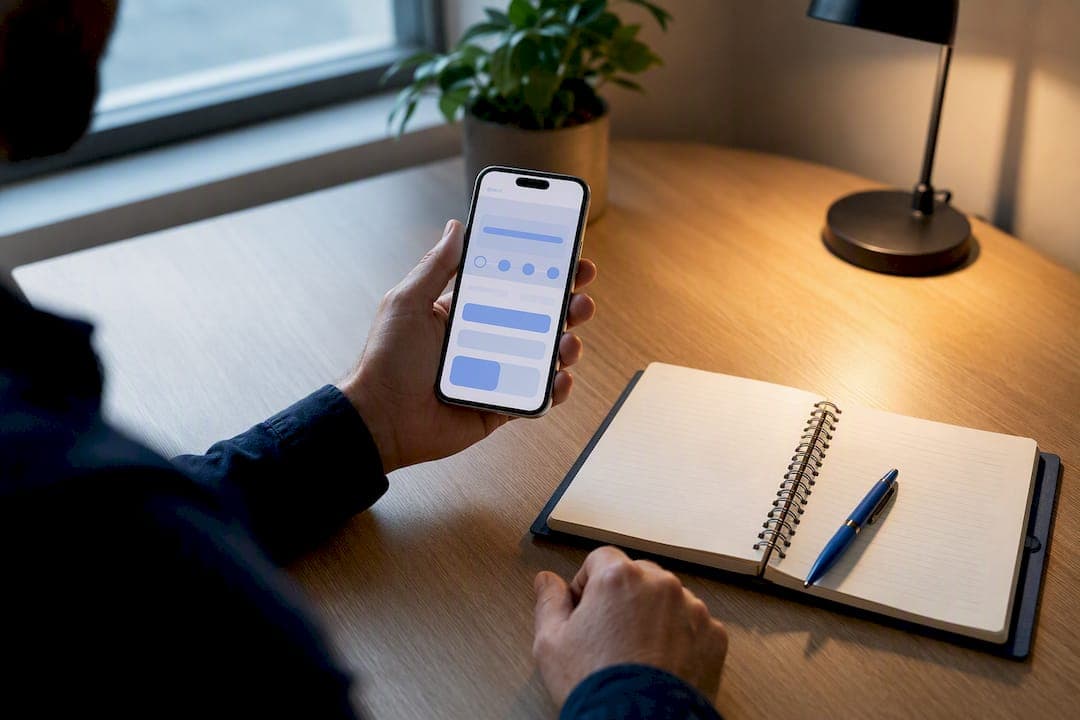
Yes, Instagram business profiles can display a Book Now action button, which lets customers schedule an appointment without leaving the app. You add it from Edit Profile → Contact Options and connect either an official booking integration or a booking link. Instagram permits only one action button at a time, so Book Now will replace any existing Call, Email, or Order Food button on the profile.
TL;DR:
- Only one action button, such as Book Now, can be active at a time on an Instagram business profile, replacing any existing call or email button.
- Setting up the Book Now feature requires a confirmed business profile, linked Facebook page with admin permissions, and an up-to-date mobile app, with regional provider support varying by country.
- Official integrations keep customers within Instagram during the booking process, reducing drop-off, whereas profile links direct users to external pages with higher abandonment risk.
- Testing the booking flow thoroughly, including landings and email confirmations, is essential before promoting the feature to ensure seamless customer experience.
- Using purpose-built booking platforms like MyAirCare provides additional benefits, including branded pages, upfront payments, automated reminders, and mobile job management, tailored for specific service industries.
Table of Contents
- How to add the Instagram Book Now button, step by step
- What do you need before you start?
- Official integration versus a simple profile link
- Why is the Book Now button missing or not working?
- How do you get more bookings from the button?
- How does a specialist booking platform support Instagram bookings?
- Is it safe to link a booking service to Instagram?
- How do you track bookings that come from Instagram?
- What should you try first?
- Run Instagram bookings through MyAirCare
- Sources
How to add the Instagram Book Now button, step by step
The whole process happens inside the Instagram app on a phone. There's no desktop equivalent for this particular setup flow, so grab your phone before you start.
- Open your Instagram profile and tap Edit Profile.
- Scroll to Contact Options (sometimes labelled Contact Info, depending on your app version).
- Tap Add Action Button, then select Book Now from the list.
- Choose a booking provider from the partner list, or select the option to link a booking page instead.
- Sign in to the provider's account when prompted. If Instagram asks you to confirm a linked Facebook or Meta business page, select the correct one, since mismatched pages are the most common reason this step stalls.
- Save your changes and check that Book Now appears on your profile, sitting next to your bio.
If you already have an action button, such as Call or Email, adding Book Now automatically replaces it, because only one can display at a time. To swap it back or remove it entirely, follow the same path (Edit Profile → Contact Options), tap the existing button, and choose Remove or select a different action instead.
One detail that trips people up: the sign-in prompt during step five isn't always about your Instagram login. It's usually checking that the Facebook business page connected to your Instagram profile is the one that owns the booking calendar. If you manage multiple pages for different locations or services, double-check which one you're confirming before you tap through, or you'll end up bookings going to the wrong calendar.
What do you need before you start?
A handful of account settings need to be right before Book Now will even appear as an option. Skipping this checklist is the single biggest cause of setup frustration.
- A business profile, not a personal or creator account. Personal profiles don't show the action button menu at all, and creator profiles have a narrower set of options than business profiles.
- A linked Facebook or Meta business page, ideally under the same email or business ownership you use to manage Instagram. Instagram checks this connection before letting you attach most booking providers.
- Admin permissions on that Facebook page. If someone else manages the page (a marketing contractor, a previous employee, an agency), you'll need admin access transferred to you, or the connection will fail silently.
- Mobile access to the Instagram app. This is a mobile-only setup flow. You can't add or edit the action button from Instagram's desktop or browser version.
The single-action-button rule, confirmed directly by Instagram, also explains why some business owners report that booking partners "disappeared" from their options. It's rarely a bug. More often, a previous button (Call, WhatsApp, or Order Food) is still occupying that slot, and the provider list only populates fully once that's cleared.
Regional availability adds another layer. Google's own booking documentation notes that provider eligibility varies by country, and the same pattern holds for Instagram: not every scheduling partner is available in every market. If your business operates somewhere a partner integration hasn't rolled out, or you simply don't use one of the listed providers, you're not stuck. You can add a direct link to your booking page in the profile's website field instead. It's a lower-friction fallback than no booking option at all, even if it means customers leave the app to finish the process.
Quick eligibility check: business profile, Facebook page linked under matching ownership, admin permissions confirmed, mobile app updated. Four boxes, and most setup failures trace back to one of them being unticked.
Official integration versus a simple profile link
There are two ways to get customers from your Instagram profile into a booking calendar, and they're not equivalent in how well they convert.
An official integration keeps the customer inside Instagram for the entire booking process. They tap Book Now, pick a time, and confirm, all without a browser tab opening or an app switch happening. A profile link, by contrast, sends the customer to an external booking page through your bio or website field. It works, but it adds a step, and every extra step is a chance for someone to abandon the process.
That distinction matters more than it sounds. Research on online lead behaviour consistently shows that interest fades fast once friction enters a booking or contact flow. Industry analysis of the Instagram feature specifically notes that official integrations reduce drop-off precisely because the customer never has to leave the app to finish.
Connecting an official provider
- From Add Action Button, select Book Now, then choose your provider from the list Instagram presents.
- Sign in to that provider's account using the credentials tied to your business, not a personal or trial login.
- Approve the permission request that lets Instagram and Facebook access your booking calendar. This step is where most connection failures happen if the linked Facebook page doesn't match.
- Confirm the association with the correct business page when prompted. If you manage more than one page, this is the moment to slow down and check.
- Save, then return to your profile to confirm Book Now displays correctly.
Testing before you announce it
Don't switch the button on and immediately post about it. Run these checks first.
- Book a test appointment yourself, using a spare email address if the provider allows it.
- Confirm the booking lands correctly in your calendar and that a confirmation email actually arrives.
- Open your Instagram profile on a second phone (or ask a colleague) to check the mobile booking experience looks right from a customer's point of view.
- Check the time zone displayed matches your business location. This is a surprisingly common mismatch when a provider account was originally set up somewhere else.
Pro Tip: Book your test appointment for a time slot you'd genuinely never take a real customer, like 2:00am. It's the quickest way to confirm the booking actually reaches your calendar without accidentally cluttering your real schedule.
If no provider appears in the list
Sometimes the provider list is thin or empty. Before assuming it's broken, check that you're logged into the correct Facebook business account, and that admin permissions are actually assigned to you rather than an old team member. If neither fixes it, regional or eligibility limits may simply mean your market or provider combination isn't supported yet. The profile website link remains the reliable fallback in that case, and it's far better than showing no booking option at all.
Why is the Book Now button missing or not working?
Most Book Now problems trace back to one of a small number of causes, and they're almost all fixable in under ten minutes.
- Check your profile type first. Go to Settings → Account and confirm you're on a business profile. Creator accounts have a different, more limited set of action button options, and personal accounts have none.
- Reconnect your Facebook business page. Go to Settings → Business, then Page, and unlink and relink if the connection looks stale. A surprising number of "missing button" reports resolve the moment the page connection is refreshed.
- Log out, update the app, log back in. Instagram pushes feature updates through app versions, and an outdated build can hide options that exist for everyone else. Clear the app's cache afterward if the issue persists (Android users can do this through phone settings; iPhone users may need to reinstall).
- Check admin permissions on the connected Facebook page. If you're not listed as an admin, or if the page prompts you about ad accounts or a Meta Pixel you didn't expect, that's usually a sign the page ownership doesn't match what Instagram is looking for.
- Confirm regional and provider availability. If your chosen partner simply isn't listed, it may not operate in your market yet. Use the profile website field to link your booking page directly as a temporary measure.
None of these fixes require contacting Instagram support, which is worth knowing given how slow that channel tends to be for small business accounts. Working through this list in order solves the overwhelming majority of setup issues.
How do you get more bookings from the button?
Adding the button is the easy part. Getting customers to actually tap it and follow through takes a bit more thought.
Clear, specific call-to-action text matters more than the fact the button exists. "Book Now" already carries intent, but the page it lands on needs to match that intent immediately. If a customer taps through and lands on a generic homepage instead of a booking calendar, you've lost most of the advantage of having the button at all.
Show core services and rough pricing where you can. Customers hesitate when a booking page hides what they're actually paying for until the final step. Listing your main service categories and approximate price ranges upfront filters out mismatched enquiries before they eat up your calendar. A well-designed booking page does this without needing a wall of text.
Announce the button once it's live. A single feed post explaining "you can now book directly through our profile" does more work than most business owners expect, particularly paired with a Stories post showing the tap sequence. Pin instructions in a Highlights reel labelled something like "How to Book" so new visitors can find it without scrolling through old posts.
- Test the entire booking flow yourself on mobile before telling customers about it, and consider learning more about How to Set Up WhatsApp QR Code Appointments for Your as an alternative booking method.
- Check that confirmation emails and reminder messages actually go out. Reminder templates that mention date, time, and service reduce no-shows more reliably than a bare confirmation email.
- Track how many bookings originate from Instagram specifically, not just total bookings, so you know whether the button is earning its space on your profile.
- Revisit your pricing and service list on the booking page every few months. Stale information is a common reason bookings stall partway through.
Pro Tip: If your booking platform lets you tag or filter bookings by source, check that tag weekly for the first month after launch. It's the fastest way to tell whether the button is actually converting or just sitting there unused.
Speed matters here too. The same research on lead decay that applies to sales enquiries applies just as directly to booking intent: a customer who taps Book Now expects a fast, frictionless process, and any delay between tap and confirmation is where interest leaks away.
How does a specialist booking platform support Instagram bookings?
A generic booking link works, but service businesses that run mostly on repeat and referral customers tend to need something more purpose-built once bookings pick up. This is where a platform like MyAirCare, built specifically for air conditioning cleaning businesses, fits into the picture.
MyAirCare gives operators a branded booking page that can sit behind an Instagram profile link (or, depending on regional partner availability, feed into an official integration), plus Stripe-based payment collection, automated reminders, and a mobile app for managing jobs on the go. For a business fielding bookings from Instagram, that means a customer who taps through doesn't just land on a static form. They land on a page built for exactly this kind of service booking.
Setting this up well means a short checklist worth working through:
- Define your actual availability windows so the booking page doesn't offer slots you can't service.
- Write service descriptions in plain language, matching what customers see in your Instagram bio.
- Decide whether you need deposit rules for higher-value jobs, since no-shows cost more when a job takes half a day to schedule around.
- Test that a booking made through your Instagram-linked page triggers the right confirmation email and calendar entry before you promote it publicly.
| Setup element | Why it matters for Instagram bookings |
|---|---|
| Branded booking page | Keeps the experience consistent once a customer taps through from Instagram |
| Stripe payment collection | Lets customers pay or leave a deposit at the point of booking, reducing no-shows |
| Automated reminders | Cuts down missed appointments booked through a mobile-first channel |
| Mobile job management | Lets you confirm or reschedule Instagram-originated bookings from the field |
Is it safe to link a booking service to Instagram?
Connecting a third-party booking provider to your Instagram profile means granting that provider (and, by extension, Meta) a level of access to your business page and calendar data. Before approving that access, check exactly what permissions the provider requests during sign-in, and decline anything that seems unrelated to booking management, such as broad ad account access you don't actually need.
Use a dedicated business email and a strong, unique password for the account tied to your booking provider, rather than reusing personal credentials. If staff need access to manage bookings, add them as separate users with appropriate permission levels instead of sharing one login. This limits the damage if a single set of credentials is ever compromised.
Customer data deserves the same caution. Names, phone numbers, and appointment details flowing through a booking system count as personal information, and how that data is stored and who can see it should be clear before you connect anything. Read the provider's data handling terms, particularly around whether customer details are shared with third parties or used for marketing beyond your own business.
Regularly review which apps and businesses have access to your connected Facebook page, through Meta's business settings, and remove anything you no longer use. Old integrations left connected after you've switched booking providers are a common, avoidable security gap. It costs nothing but a few minutes to audit this quarterly.
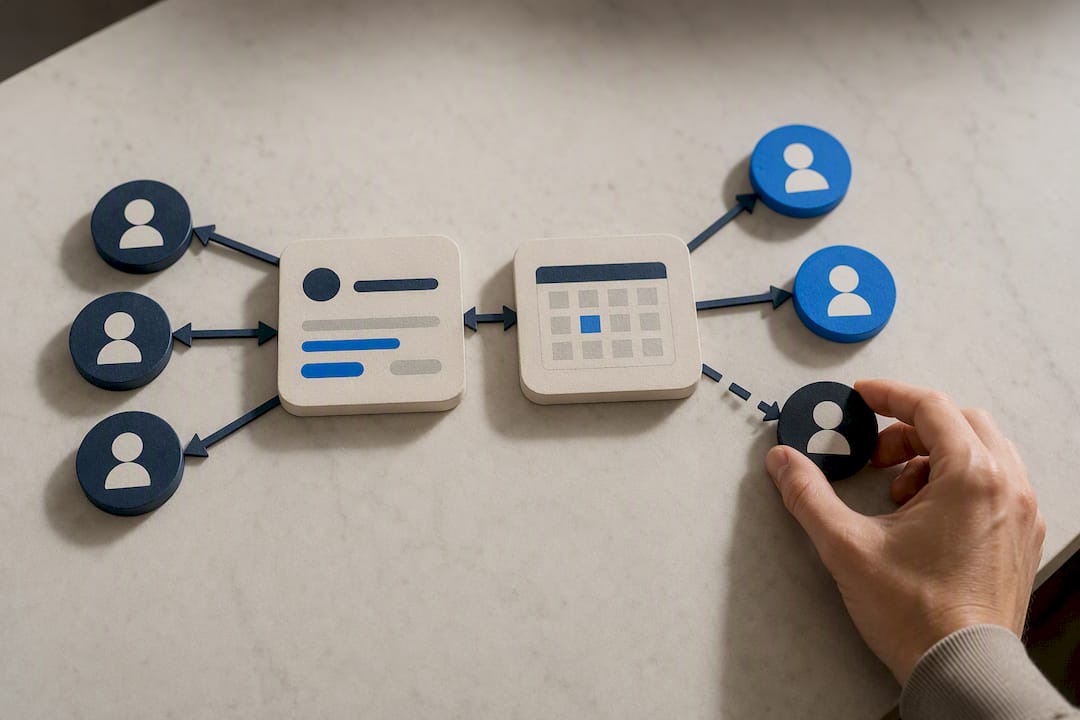
How do you track bookings that come from Instagram?
Knowing the Book Now button exists is one thing. Knowing whether it's actually generating appointments is a separate, and more useful, question.
Most booking providers offer some form of source tracking, showing whether a booking originated from Instagram, a direct link, or another channel. If your provider supports this, check it weekly rather than monthly, especially in the first few weeks after launch, since early data tells you quickly whether the button placement and CTA copy are working.
Beyond the provider's own dashboard, Google Business Profile's booking links documentation is worth reviewing too, since many service businesses run booking links across both Instagram and their Google Business Profile simultaneously. Comparing volume across both channels helps you see where customers are actually discovering and using the booking option, rather than guessing.
Simple metrics worth tracking include the number of bookings tagged as Instagram-sourced each week, the completion rate (bookings started versus bookings finished), and no-show rates specifically for that channel. A jump in started-but-abandoned bookings usually points to a slow-loading page or confusing service list, not a lack of interest.
If your booking platform integrates with a calendar tool, cross-checking entries against calendar sync records is a useful sanity check that nothing is falling through the cracks between Instagram, the booking provider, and your actual schedule.
What should you try first?
If you're setting this up for the first time, don't overthink the order. Switch to a business profile if you haven't already, connect the right Facebook page, add the button, and run one test booking yourself before telling a single customer it exists. That sequence catches almost every configuration error before it becomes a missed appointment.
Chase an official integration when your provider supports it and operates in your region. It genuinely does convert better, because the customer never leaves the app. But don't let the hunt for the "perfect" partner integration delay you for weeks. A well-built profile link to your own booking page, tested and working today, beats a partner integration you're still waiting on next month.
The one-line version: connect the right accounts, add the button, book a test slot, then fix whatever that test reveals.
— Lewis
Run Instagram bookings through MyAirCare
MyAirCare gives air conditioning cleaning businesses a branded booking page built specifically for this trade, so an Instagram-originated tap turns into a confirmed job with less back-and-forth than a generic form ever manages. The features that matter most for Instagram bookings are the ones already covered: a mobile-friendly booking page you can link straight from your profile, Stripe payment collection so deposits get handled upfront, automated reminders that cut no-shows, and a mobile app that lets you manage jobs, reschedules, and on-site payments from the field.

If you're fielding bookings through Instagram already, or planning to once the button is live, create a tender listing to see how a purpose-built booking page compares to a bare profile link, or check out a live example booking page to see the mobile experience your customers would actually get.
Sources
- About action buttons for Instagram Business profiles
- Manage bookings on your Business Profile
- The short life of online sales leads