
Google Calendar appointment booking suits solo air-con operators who need a fast, free booking page with minimal setup. Once a business adds technicians, requires job documentation, or needs GST-compliant invoicing, a specialised platform such as Myaircare becomes the more practical choice.
- Google Appointment Schedules + Google Business Profile works well for: single-operator businesses, low booking volumes, and situations where speed of setup matters more than operational depth.
- Myaircare works better for: multi-technician teams, on-site job tracking, before/after documentation, quotes, invoices, and Stripe-powered payments with Australian GST support.
One cost note upfront: accepting payments at booking through Google requires an eligible Google Workspace or Google One subscription plus a connected Stripe account. Third-party booking providers linked to Google Business Profile may charge additional fees per transaction.
Table of Contents
- How does Google Calendar appointment scheduling compare to Myaircare?
- What does the booking-to-job-completion timeline look like?
- What do field service operators say about Google Calendar bookings?
- What are the privacy and security considerations?
- How does Google Calendar booking connect with other business tools?
- Myaircare is built specifically for Australian air-con cleaners
How does Google Calendar appointment scheduling compare to Myaircare?
Google Appointment Schedules creates a public booking page that customers can access directly, with booked slots appearing on the operator's calendar automatically. Sharing is straightforward: copy the booking link from the "Booking pages" panel in Google Calendar, or embed it on a website using the provided HTML. That link can also be added to a Google Business Profile so customers booking from Search or Maps reach the page without extra steps.
Calendar blocking prevents basic double-bookings by reflecting real-time availability. However, team scheduling across multiple technicians requires managing separate calendars manually. There is no built-in dispatch, no job status updates, and no way to assign a specific technician to a specific job site automatically.
Pro Tip: Before adding a third-party booking provider to your Google Business Profile, check that provider's per-booking fee structure. Cumulative transaction fees can exceed a flat monthly subscription over a busy season.
| Dimension | Google Appointment Schedules | Myaircare |
|---|---|---|
| Ease of setup | Very fast, free account | Guided onboarding, industry-specific |
| Cost | Free basic; Workspace/Google One subscription for paid bookings | Monthly or yearly subscription; free plan with booking fees |
| Payments (Stripe) | Requires Workspace/Google One + Stripe | Built-in Stripe integration |
| Calendar sync & double-booking prevention | Single-operator sync; manual for teams | Centralised calendar with team visibility |
| Technician scheduling & job assignment | Not available | Included |
| Job documentation & service history | Not available | Before/after photos, job notes, service history |
| Customer booking experience | Public page, basic reminders | Branded booking pages, automated reminders |
| GST & invoicing (Australia) | Not available | GST-aware quotes and invoices |
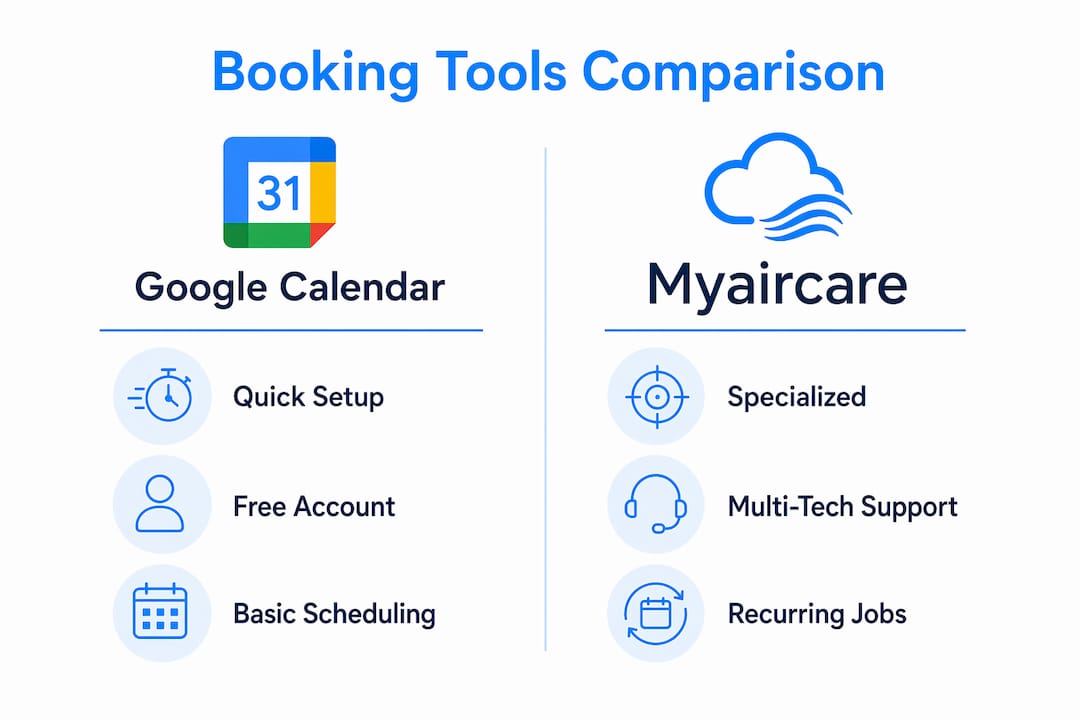
Who should stay with Google: A sole operator taking residential bookings, comfortable with manual follow-up and no on-site documentation needs.

Who benefits from a hybrid approach: Operators using Google Business Profile for discoverability while running Myaircare for job management and invoicing.
Who should move fully to Myaircare: Any business with two or more technicians, recurring maintenance contracts, or a need for on-site payment capture and job records.
What does the booking-to-job-completion timeline look like?
With Google Calendar, a customer books online, receives a calendar confirmation, and the operator sees the appointment. Everything after that — contacting the customer, assigning a technician, recording job notes, issuing an invoice — happens outside the tool. With Myaircare, the same booking triggers automated reminders, technician assignment, a mobile job card, on-site documentation, and invoice generation without manual steps between each stage.
What do field service operators say about Google Calendar bookings?
Field service operators generally find Google's scheduling useful for capturing initial enquiries but limiting once job complexity increases. The absence of service-specific intake forms means operators often follow up by phone to confirm unit type, access requirements, or filter condition. Myaircare's booking pages, such as the Airhygiene Services page, include service-type selection and custom fields that reduce that back-and-forth.
What are the privacy and security considerations?
Google Calendar booking pages are publicly accessible to anyone with the link, displaying the operator's account name and profile photo. Customer booking data is stored within Google's infrastructure under its standard privacy terms. Operators handling sensitive site-access details or payment information should confirm their obligations under the Australian Privacy Act 1988 with a qualified adviser. Myaircare processes payments through Stripe and publishes its data handling terms publicly.
How does Google Calendar booking connect with other business tools?
Google Calendar connects natively with Google Meet, Gmail, and Google Workspace apps. Integrating it with invoicing tools such as Xero or MYOB, or a CRM, typically requires a third-party connector like Zapier. Myaircare consolidates scheduling, customer records, invoicing, and payments within one platform, reducing the number of separate tools an air-con cleaning business needs to manage.
Myaircare is built specifically for Australian air-con cleaners

Myaircare addresses the gaps that Google's generic scheduling leaves open: industry-specific booking pages, Stripe-powered payments, technician scheduling, mobile job tracking with before/after documentation, and GST-compliant quotes and invoices. It is built around the actual workflow of an Australian air-con cleaning business, not adapted from a general-purpose calendar tool.
- Industry-specific booking pages with service-type selection
- Stripe payments integrated at checkout
- Mobile app for on-site job management and documentation
- Quotes and GST-compliant invoices generated from the platform
- Automated reminders to reduce no-shows and drive repeat bookings
- Support for commercial tenders and contract management
Pro Tip: Run your existing Google booking link in parallel for the first two to four weeks after setting up Myaircare. Publish your new Myaircare booking page and keep the Google link active until existing customers have transitioned.
Review Myaircare's pricing and plans to find the right subscription tier, or view a live booking page such as Pristine Aircon Cleaning to see the customer experience before committing.