
Three actions move inbox placement more than anything else: authenticate your domain with SPF, DKIM and DMARC, verify and prune your list until hard bounces sit under 2% and complaints under 0.1%, then warm up any new sending domain by starting small. These steps only work in that order. Skip authentication and no amount of list cleaning will save you.
TL;DR:
- Authentication with SPF, DKIM, and DMARC in the correct order is essential; skipping it will undermine all other deliverability efforts.
- Keep hard bounce rates below 2% and complaint rates below 0.1%, as exceeding these thresholds triggers spam filtering and inbox separation.
- Verify your sending sources, gradually warm up new domains, and send to engaged contacts to build a positive sender reputation over time.
- Ensure email content is honest, personalized, and includes clear unsubscribe options, as content issues can still cause spam filtering despite authentication.
- Monitor key metrics such as complaint rate, bounce rate, DMARC pass rate, and inbox placement to detect and respond to deliverability problems effectively.
Table of Contents
- How to improve email deliverability for a small business in 7 days
- Setting up SPF, DKIM and DMARC without breaking anything
- Why list hygiene protects your sender reputation
- How to warm up a new sending domain safely
- What content still trips spam filters after authentication is fixed
- Which metrics show your emails are landing in spam?
- How MyAirCare's booking workflow supports sender reputation
- What to fix in month 1 versus what can wait
- Keep your booking and reminder emails reliable with MyAirCare
- Where to check your progress next
- Sources
How to improve email deliverability for a small business in 7 days
Deliverability problems rarely have one cause, so fixing them works best as a sequence rather than a single tweak. This checklist follows the order SMTP2GO recommends for restoring inbox placement without triggering fresh spam flags.
- Day 1–2: Check your DNS records, confirm SPF and DKIM are live, and set DMARC to
p=noneso you start collecting reports without blocking mail. - Day 3–4: Verify your list, strip out hard bounces, and send a re-engagement message to anyone who hasn't opened in 90 days.
- Day 5–7: Send small test batches, watch Postmaster Tools and your DMARC reports daily, and only lift volume if opens and clicks hold steady.
Pro Tip: Run this checklist on a Monday. DMARC and Postmaster data take a day or two to populate, so starting midweek means you're staring at empty reports over a weekend.
Setting up SPF, DKIM and DMARC without breaking anything
Authentication is the gatekeeper. Mailbox providers check SPF, DKIM and DMARC before they even look at your subject line or content, and getting these three records right can significantly improve inbox placement within weeks, according to Australian government email guidance.
Each record does a different job:
- SPF lists which servers are allowed to send mail for your domain.
- DKIM attaches a digital signature so receiving servers can confirm the message wasn't altered in transit.
- DMARC tells mailbox providers what to do when SPF or DKIM checks fail, and where to send reports about those failures.
The 0.1% threshold: Google's bulk sender guidelines ask senders to keep spam complaint rates below 0.10%, using Postmaster Tools to track it. Cross that line consistently and Gmail starts routing your mail to spam by default, regardless of how clean your list is.
Sequencing matters as much as the records themselves. Start DMARC at p=none for a few weeks so you can see which of your sending sources fail authentication before you enforce anything, a rollout Proofpoint recommends specifically to avoid blocking legitimate mail. Only move to p=quarantine and then p=reject once every legitimate sender, your booking system, your CRM, your invoicing tool, passes cleanly. If several tools send on your behalf, each one needs its own authentication or a dedicated subdomain, because DKIM and SPF misalignment across systems is one of the most common causes of DMARC failure for small operators. Watch your SPF lookup count too. Providers cap the number of DNS lookups SPF can perform, and stacking too many third-party senders into one record will break authentication for everyone on it.
Why list hygiene protects your sender reputation
Your list quality matters as much as your DNS records, because mailbox providers watch how recipients respond to your mail, not just how it's technically formed.
- Remove hard bounces the moment they happen. A hard-bounce rate above 2% is one of the strongest negative signals a mailbox provider tracks, per Clay's deliverability guide, and it compounds fast if you keep resending to dead addresses.
- Use confirmed opt-in for new subscribers wherever practical. Double opt-in filters out mistyped addresses and malicious sign-ups before they ever land in your list, a standard M3AAWG treats as baseline practice rather than a nice-to-have.
- Verify your list on a rolling basis, not once. Accuracy degrades over time, and stacking two verification providers catches more dead or risky addresses than relying on one that returns "unknown" results.
- Segment by engagement and sunset the unresponsive. Send a re-engagement message to anyone quiet for 90 days, then remove those who still don't respond rather than carrying them forward indefinitely.
How to warm up a new sending domain safely
A brand-new domain or IP has no reputation yet, and mailbox providers treat sudden volume from an unknown sender as a red flag. Warm-up exists to build trust gradually instead of triggering that response.
- Start with a small daily volume and increase it gradually over 2 to 6 weeks rather than jumping straight to full send lists.
- Send to your most engaged contacts first. Opens and replies early in the warm-up period do more for your reputation than raw volume.
- Stick to shared IP environments unless your volume genuinely justifies a dedicated one. M3AAWG's guidance notes shared pools work fine for most small senders, while dedicated IPs need consistent volume to maintain their own reputation.
- Keep your sending cadence predictable. Providers read erratic bursts, quiet for weeks then a sudden blast, as a spam pattern even from an authenticated domain.
What content still trips spam filters after authentication is fixed
Passing SPF, DKIM and DMARC doesn't guarantee the inbox. Content and formatting still influence whether a filter or a recipient marks your mail as spam.
- Avoid misleading subject lines, ALL CAPS, excessive punctuation, and phrases that read as sales bait.
- Include a genuine one-click unsubscribe and a
List-Unsubscribeheader. Making it easy to leave reduces the far more damaging alternative: someone hitting "report spam" instead. - Keep a healthy balance of images to text and always send a plain-text version alongside HTML.
- Link through your own domain or a branded tracking link rather than a generic URL shortener, which many filters treat as a risk signal on sight.
Pro Tip: If open rates are healthy but replies never come, check your reply-to address. A no-reply inbox that bounces genuine responses quietly damages engagement signals over time.
Which metrics show your emails are landing in spam?
Four numbers tell you almost everything about your sending health: complaint rate, hard-bounce rate, DMARC pass rate, and inbox placement itself.
- Complaint rate should stay under 0.1%, and hard bounces under 2%, thresholds both Google and Clay's guide treat as the line between healthy and at-risk sending.
- DMARC pass rate should sit above 95% once your legitimate senders are all authenticated.
- Google Postmaster Tools shows Gmail-specific reputation data that generic analytics dashboards can't, including spam rate trends and authentication error breakdowns.
When something breaks, triage in order: check your DMARC aggregate reports for authentication failures first, review whatever campaign went out just before the drop, isolate any sending stream that might be poisoning the rest (a scraped list, a bulk import), then cut volume and re-verify before sending again.
How MyAirCare's booking workflow supports sender reputation
Appointment-driven businesses often run into deliverability trouble because confirmations come from one tool, reminders from another, and invoices from a third, each with its own sending domain and none properly authenticated. MyAirCare consolidates booking confirmations, reminders, and payment links under one sending domain, which removes a common source of DKIM and SPF misalignment. Automated appointment reminders also lift open rates and cut no-shows, and that consistent engagement is itself a positive signal to mailbox providers. Branded booking pages and Stripe payment links reduce the risky, shortened URLs that spam filters flag on sight.
What to fix in month 1 versus what can wait
Month one is authentication, a basic list clean, and one small test send, nothing more ambitious than that. Month two is warm-up, re-engagement of quiet contacts, and automating your reminder sequence. By month three you're just monitoring, and you only increase volume if complaint and bounce rates have stayed healthy the whole way through. Trying to do all three at once is the most common reason recovery stalls.
— Lewis
Keep your booking and reminder emails reliable with MyAirCare
MyAirCare gives appointment-driven trades a single, properly authenticated sending domain for confirmations, reminders, and payment requests, so you're not juggling DKIM records across three disconnected tools.

For an air-con cleaning business sending confirmations from one system and invoices from another, that's often where deliverability quietly breaks down. Centralising it under one platform means fewer authentication gaps to troubleshoot and fewer emails landing in a customer's spam folder before their appointment. It also means automated reminders go out consistently, which keeps engagement steady and protects the sender reputation you've worked to build. If you run a small trades or cleaning team and want to see how the booking and payment flow works in practice, you can view MyAirCare's tender and booking features or check the core platform to see what's included before switching over.
Where to check your progress next
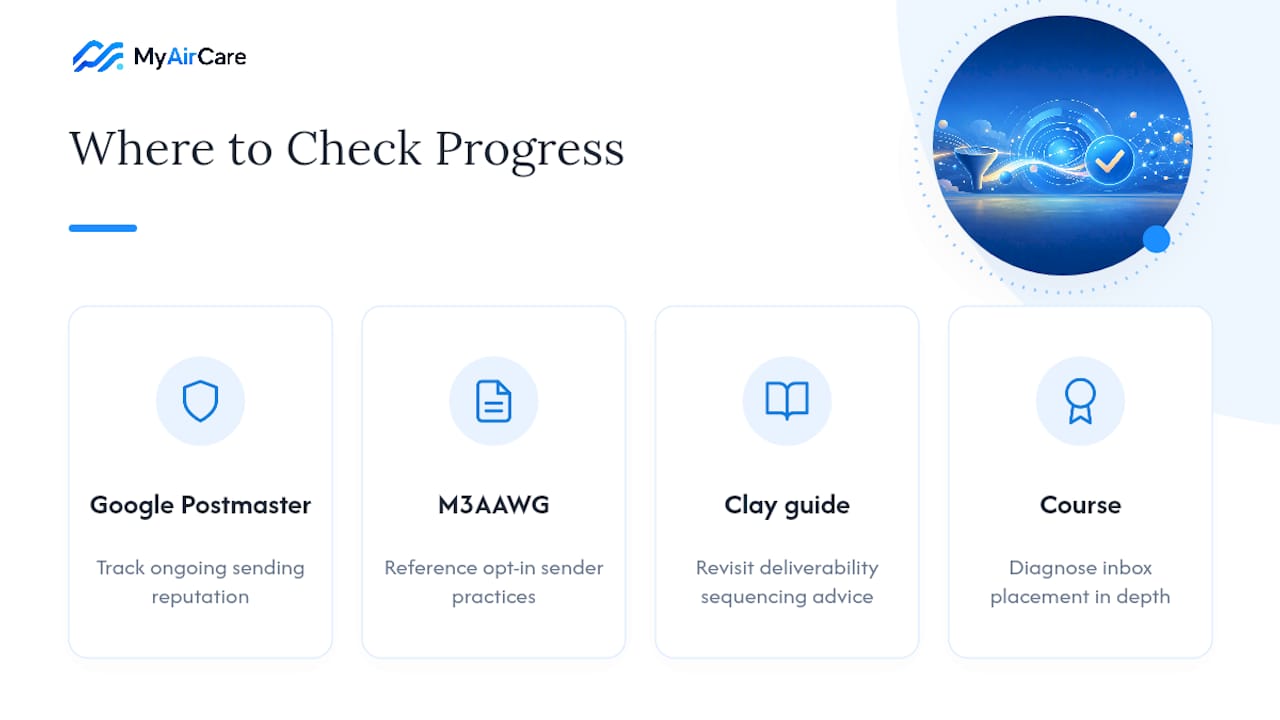
Track ongoing reputation with Google Postmaster Tools, consult M3AAWG's sender practices for opt-in standards, and revisit Clay's deliverability guide for sequencing. For structured learning, the Email Marketing Expert course covers diagnosing inbox placement in more depth.
Sources
- Swift Digital / Australian government email guidance
- M3AAWG sender best common practices (2026)
- Clay — the complete guide to email deliverability (2026)
- Google — bulk sender guidelines and Postmaster Tools
- SMTP2GO — diagnose, fix, prevent deliverability problems