
If the charge is clearly fraudulent, refund it straight away and skip the dispute entirely. If it isn't, check the Stripe Dashboard to see whether it's a pre-dispute inquiry or a formal chargeback, note the deadline, and start building an evidence package built on your booking and job records before you respond.
TL;DR:
- Respond immediately to fraudulent charges with a refund and skip the dispute process to save time and fees.
- Confirm dispute type and deadlines in the dashboard, then gather specific evidence like photos, logs, and communication records based on the reason code.
- Use Stripe's built-in tools such as Radar, workflows, and webhooks to automate fraud detection and evidence collection, reducing manual effort.
- Weigh the value of the transaction and your odds of winning before deciding to fight or refund a dispute, and always log your decision process.
- Track dispute patterns and metrics regularly to identify root causes and implement preventative policies that reduce future chargebacks.
Table of Contents
- How do you handle chargebacks on Stripe: the immediate checklist
- How does the Stripe dispute process actually work?
- What evidence actually wins a Stripe dispute?
- How do you reduce chargeback risk before a dispute even happens?
- Which Stripe tools actually reduce manual dispute work?
- Should you refund or fight a Stripe chargeback?
- How do you use Stripe dispute reports to stop repeat problems?
- Why prevention beats representment every time
- Run your bookings and payments through one system
- Sources
- FAQ
How do you handle chargebacks on Stripe: the immediate checklist
Once a dispute notification appears, the clock is running and every hour matters. Work through this order before you do anything else:
- Check the dispute type first. Open the Dashboard and confirm whether it's an inquiry or a formal chargeback, since the inquiry stage on some networks can still be resolved without a fee if you act early.
- Note the reason code and deadline. Copy the issuer's claim text and calendar the response date. Miss it and you lose automatically.
- Pull the job file. Booking confirmation, arrival photos, signed job cards, SMS or email threads, invoice number, and the payment ID all need to be in one place.
- Run the refund versus fight decision. Weigh the transaction value against the dispute fee and your odds of winning before committing time to a response.
- Package it once. Name the folder clearly (customer name, date, reason code) and prepare a single upload, because you generally only get one shot at submission.
How does the Stripe dispute process actually work?
Stripe treats disputes as a lifecycle with two distinct stages, and knowing which one you're in changes your options. Some card networks use a preliminary "inquiry" first, a request for information that lets you avoid a dispute fee entirely if you respond with solid evidence or refund before it escalates. Mastercard and Visa mostly skip this step and go straight to a formal chargeback.
Once a chargeback is created, the mechanics are less forgiving:
- Stripe debits the disputed amount and a dispute fee from your account immediately, before any investigation happens.
- You typically get one chance to submit evidence, through either the Dashboard or the API.
- Response windows differ by card network and reason code, running anywhere from 14 to 45 days, and a missed deadline is an automatic loss.
- The issuing bank's final decision can take up to three months, so a resolved case doesn't mean immediate cash back.
- Webhooks let you track dispute status changes automatically instead of manually refreshing the Dashboard.
This is why speed matters more than perfection. A rushed but complete submission beats a polished one filed a day late.
What evidence actually wins a Stripe dispute?
Generic evidence loses. Issuers respond to evidence matched to the specific reason code on the claim, which means your evidence pack needs to look different depending on what the cardholder alleged.
- Unauthorised transaction: authentication logs, 3D Secure results, prior purchase history from the same card, and a signed receipt if one exists.
- Product or service not received: timestamped job completion photos, customer check-in and check-out times, GPS logs from the technician's app, and a signed job card.
- Product not as described: the original booking form showing agreed scope, before-and-after photos, and any written confirmation the customer approved the service ahead of time.
- Credit not processed: the refund transaction ID, a timestamped message showing when the refund was initiated, and a copy of your stated refund policy.
Assemble everything into one submission before you upload it. Stripe forwards your packet to the issuing bank exactly as you send it, and you can't add files retroactively once it's gone.
Pro Tip: Build a folder template now, before your next dispute arrives. Name it by reason code, and drop in placeholders for each evidence type so you're filling gaps, not starting from a blank page under deadline pressure.
How do you reduce chargeback risk before a dispute even happens?
Prevention is cheaper than representment, and most of the fixes cost nothing beyond a policy change. Start with the customer-facing changes that stop confusion before it turns into a dispute:
- Require a deposit or store a card on file for bookings, which cuts down on the no-show and late-cancellation disputes that plague service businesses, as explained in detail at Bank transparency: why it matters for freelancer income – Rate Grove.
- Use a clear, recognisable statement descriptor that matches your invoice and booking page wording, so customers don't forget who charged them.
- Apply authorise-and-capture for higher-value or first-time bookings, and lean on 3D Secure where the card network supports it to shift liability away from you.
- Automate booking confirmations, arrival-window reminders, and before/after photo capture so the paper trail builds itself.
For businesses juggling multiple jobs a day, a platform that ties Stripe payments directly to booking records and job notes makes this evidence trail near automatic, rather than something you scramble to reconstruct after a dispute lands.
Which Stripe tools actually reduce manual dispute work?
Stripe's built-in tools do most of the heavy lifting if you configure them properly, rather than reacting case by case.
- Radar applies machine-learning fraud signals and lets you set custom rules, so higher-risk payments get flagged before they become chargebacks.
- Workflows and Apps automate evidence collection, refund triggers, and case triage without writing code, and they connect directly with Radar and your billing setup.
- The Disputes API and webhooks let you pull dispute events into your own systems, filter by charge or payment intent, and upload structured evidence programmatically.
Together these cut the manual scramble down to a review step, not a full investigation each time.
Pro Tip: Set a Workflow that automatically tags any dispute over a chosen dollar value for manual review, while smaller ones route straight to a pre-built refund rule. It keeps your team's attention on the cases actually worth fighting.
Should you refund or fight a Stripe chargeback?
Run this quick sequence before committing time to a response:
- Refund immediately if the charge is clearly fraudulent or you'd rather protect your dispute ratio than chase a small amount.
- Contest when you hold strong delivery evidence, the transaction value is high, or the customer has a solid booking history with you.
- Do the maths first: add the transaction value, the dispute fee, and your time cost, then compare that against your realistic odds of winning.
- Log every decision so you can spot which reason codes you consistently win or lose, and adjust your default response accordingly.
How do you use Stripe dispute reports to stop repeat problems?
A single dispute is a cost. A pattern of disputes is a warning sign about something structural in how you run bookings, refunds, or communication.
Stripe's chargeback reports let you track four numbers that matter more than any individual case: your chargeback ratio, your win rate, the mix of reason codes you're seeing, and your average time to respond. Export the data and filter by service type, location, payment method, or customer to spot where the trouble actually sits.
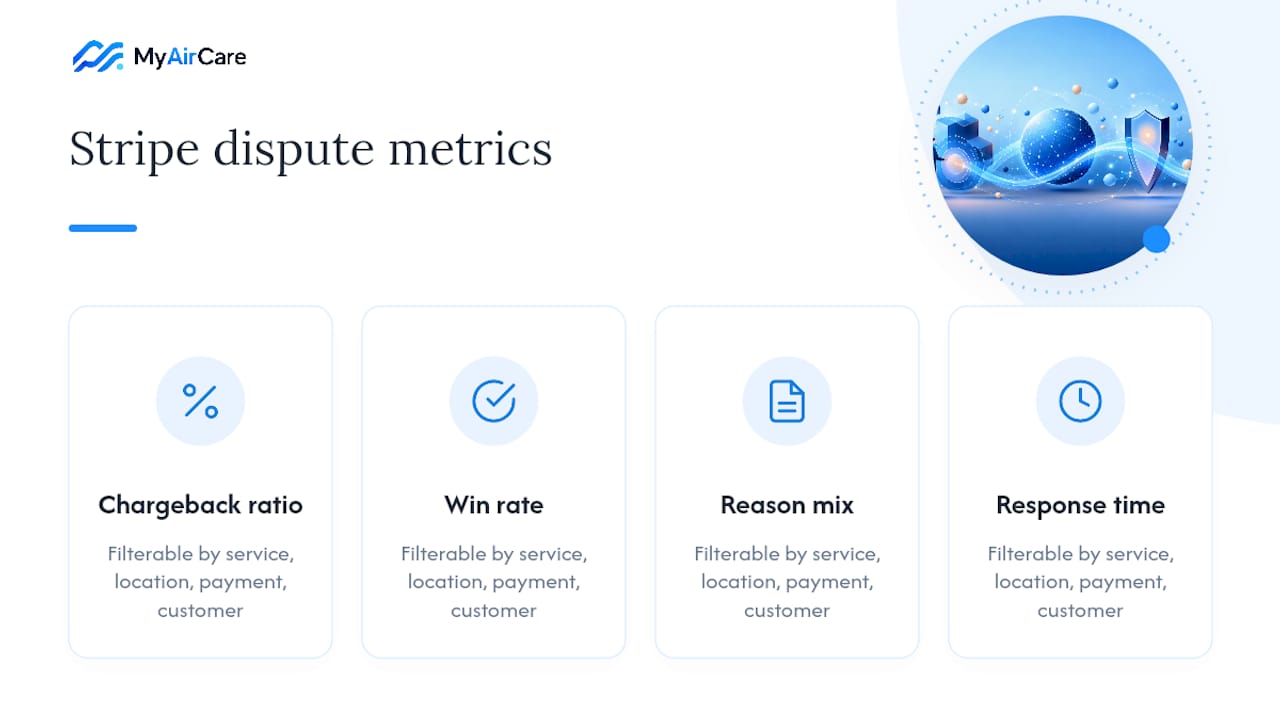
A cluster of disputes tied to one customer, one service line, or one booking channel usually points to a fixable root cause, not bad luck. That might mean tightening a refund policy, retraining staff on job documentation, or adjusting a Workflow rule. Set a monthly review cadence and a ratio threshold that triggers action before you get anywhere near card-network monitoring programmes, which carry real financial and operational consequences once triggered.
Why prevention beats representment every time
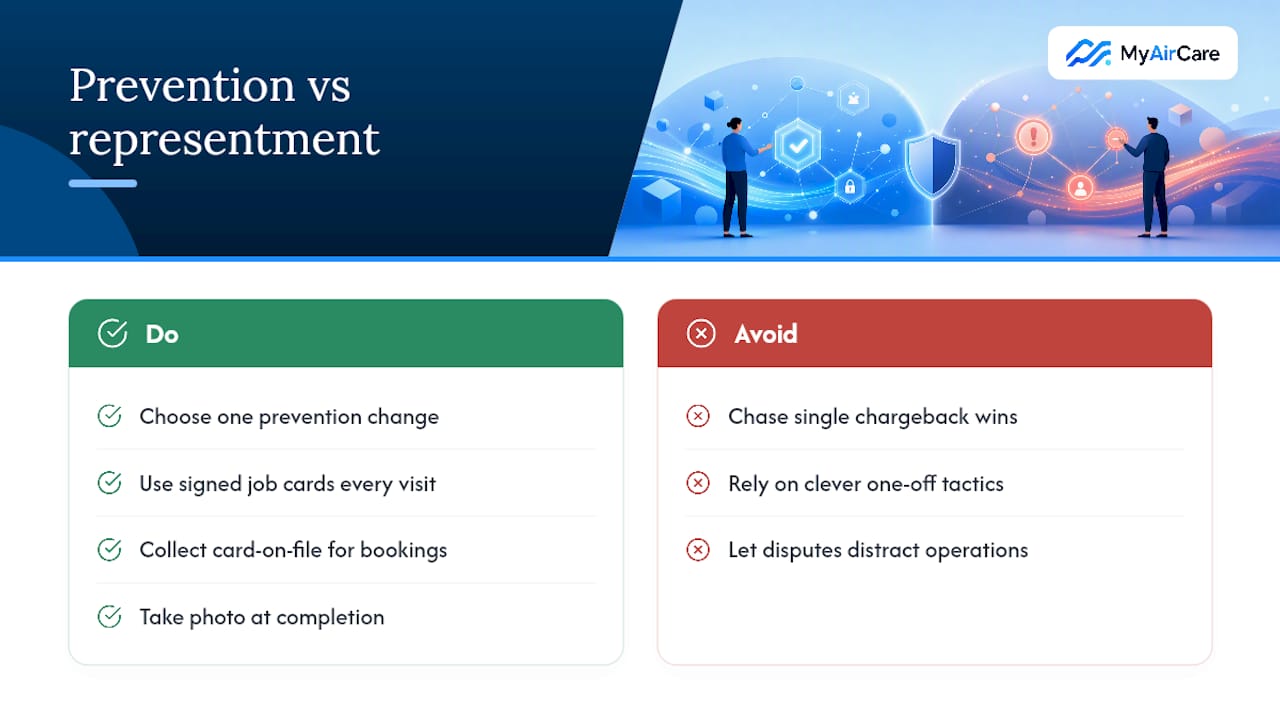
The industry is shifting from fighting disputes after they land to stopping them before they're filed, and that shift is the right one for small operators without a dedicated finance team. Chasing a win on a single chargeback feels satisfying, but it distracts from the bigger job: building habits that mean fewer disputes arrive in the first place.
What gets underestimated is how much of this comes down to boring consistency, not clever tactics. A signed job card on every visit, every time, beats a brilliant argument on the one dispute you happened to remember to document. Pick one change from this guide, whether that's card-on-file for bookings or a standard photo-at-completion habit, run it for a month, and measure whether your dispute rate actually moves before you add the next one.
— Lewis
Run your bookings and payments through one system
There are other ways to patch this together, spreadsheets for job records, a separate reminder app, Stripe left to run alone in the background. MyAirCare takes a different route: it ties your Stripe payments directly to the booking that created them, so every job carries its confirmation, its reminders, and its before-and-after photos in one place.

That matters at dispute time. A card-on-file booking with an automated arrival reminder and a photo log gives you exactly the reason-code evidence issuers ask for, without digging through email threads under deadline pressure. Automated reminders also mean fewer no-shows and less confusion over what was booked, which is where a lot of avoidable disputes start.
If you're currently juggling bookings, payments, and evidence across separate tools, take a look at Aircon Cleaning Tenders to see how the booking and payment workflow fits together, or check out a live example at the Pristine aircon cleaning booking page to see what your customers would experience.
Sources
- How disputes work
- How to use a chargeback report | Stripe
- Dispute management: From reactive to proactive prevention | PayPal
FAQ
What's the first thing I should do when I get a Stripe dispute?
Check the Dashboard to see whether it's an inquiry or a formal chargeback, then refund immediately if the charge is clearly fraudulent, or start gathering evidence against the deadline shown.
How long do I have to respond to a Stripe chargeback?
Response windows run from roughly 14 to 45 days depending on the card network and reason code, and missing the deadline results in an automatic loss.
Can I add more evidence after I submit a Stripe dispute response?
No. Stripe forwards your evidence packet to the issuing bank exactly as submitted, so you need everything ready before you upload, not after.
Does refunding a customer avoid the Stripe dispute fee?
Yes, if you refund before a formal chargeback is created, particularly during the inquiry stage some networks use, you can often avoid the fee entirely.
How can MyAirCare help reduce chargebacks for air-con cleaning businesses?
This platform links Stripe payments to booking confirmations, automated reminders, and job photos, so the evidence a dispute needs is already stored against the job rather than scattered across separate systems.
What metrics should I track to avoid Stripe monitoring programmes?
Watch your chargeback ratio, win rate, reason-code mix, and average response time, and review them on a set monthly cadence to catch patterns before they trigger network enforcement.